Getting Started
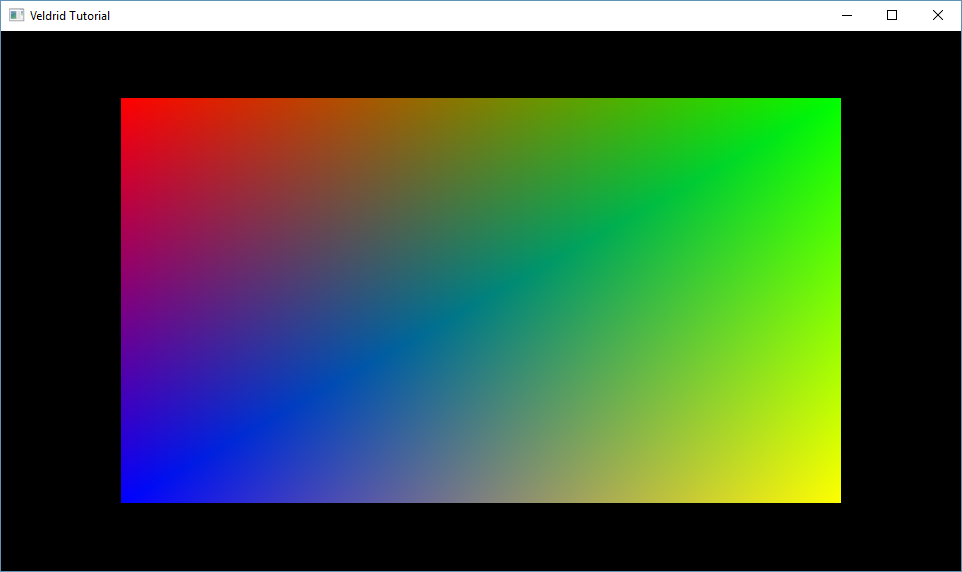
This is a short walkthrough describing how to set up a simple graphical application using NeoVeldrid. The next few sections will introduce chunks of the of the application piece-by-piece for clarity. The finished product is available in the NeoVeldrid Samples directory.
Part 1: Creating a Window and GraphicsDevice, and setting up a main loop
Part 2: Creating graphics resources
Part 3: Drawing a quad, and resource cleanup